
Imagine assembling a piece of furniture and struggling with a manual screwdriver for hours. The screws slip, your wrist aches, and the project feels endless.
Now picture finishing the same task in minutes with a cordless screwdriver. This small tool provides steady power, consistent torque, and effortless screw driving.
Cordless screwdrivers are one of the most widely used DIY tools. Their compact size and rechargeable batteries make them ideal for everything from furniture assembly to light repairs.
A study by Grand View Research shows that the global power tools market is projected to reach $53 billion by 2030, with cordless tools driving most of the growth [GrandViewResearch]. This reflects how homeowners and professionals increasingly prefer cordless solutions.
Another survey found that over 65% of DIY enthusiasts rely on cordless tools for home projects, citing speed and convenience as the biggest benefits [Statista].
Yet many users fail to take advantage of all the features their cordless screwdriver offers. Without understanding torque settings, bit selection, and safe handling, efficiency and results suffer.
This guide explains how to use a cordless screwdriver correctly from setup to maintenance. Readers will learn how to choose the right settings, avoid common mistakes, and extend tool life.
By mastering these steps, every project becomes faster, safer, and more precise. Whether building furniture, fixing cabinets, or handling quick repairs, a cordless screwdriver can be the most reliable tool in the box.
What Is a Cordless Screwdriver and How It Works
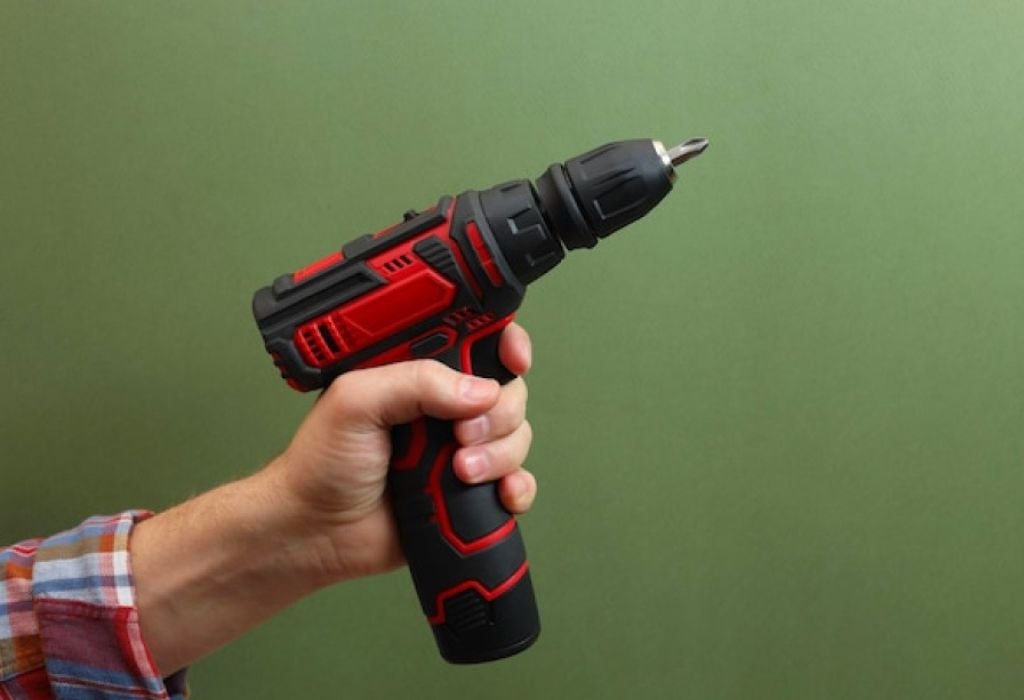
A cordless screwdriver is a compact, battery-powered tool designed to drive or remove screws quickly. It works by converting battery energy into rotational force to turn screws efficiently.
Unlike manual screwdrivers, this tool provides consistent torque and speed. It saves effort while ensuring screws are driven evenly into various materials.
Cordless screwdrivers usually have a small motor, rechargeable battery, clutch for torque control, and a bit holder. These components work together to deliver controlled power for each task.
Some models also feature LED lights, reversible directions, and multiple speed settings. These features enhance visibility, accuracy, and control during use.
What is a cordless screwdriver used for?
It is used to drive or remove screws in wood, metal, or plastic.
How is it different from a drill?
A cordless screwdriver has lower torque and speed, designed specifically for screws.
Can it remove screws?
Yes, by switching the rotation to reverse mode.
Are all models rechargeable?
Yes, most use lithium-ion batteries for efficiency and long life.
Does it work for all screw types?
Yes, with the correct bit for each screw head.
Types of Cordless Screwdrivers
Cordless screwdrivers come in different types depending on their grip and power. Straight and pistol-grip models are the most common.
Straight models are slim and lightweight, perfect for tight spaces. Pistol-grip versions resemble drills and offer better ergonomics for continuous use.
Advanced models like gyroscopic screwdrivers respond to wrist movement to control rotation direction. This feature improves speed and comfort for frequent use.
Some heavy-duty versions include torque adjustment and speed settings for different materials. Compact models focus on portability and precision for home tasks.
Which type is best for beginners?
A pistol-grip model offers balance between comfort and power.
What are gyroscopic screwdrivers?
They detect wrist movement to control rotation direction automatically.
Do professionals use them?
Yes, especially in assembly and maintenance work.
Are straight models less powerful?
They are usually smaller but great for light-duty jobs.
Is a heavier screwdriver more powerful?
Generally yes, but it can be harder to maneuver for long periods.
Essential Parts and Features to Know
Understanding the key parts helps users operate the tool efficiently. The clutch, motor, battery, and bit holder are the most important components.
The clutch adjusts torque levels, preventing overdriving or stripping screws. It’s essential for controlling pressure when working with soft materials.
Most models include a forward/reverse switch to drive or remove screws. This simple function makes the tool versatile and easy to use.
LED work lights illuminate dark or confined areas. Magnetic bit holders prevent bits from falling during use.
Modern models use lithium-ion batteries, known for fast charging and consistent power. Some offer battery indicators to show remaining charge.
What does the clutch do?
It limits torque to prevent screw or material damage.
Why are torque settings important?
They help control force for different materials.
What does the forward/reverse switch do?
It changes screw direction for insertion or removal.
Do all screwdrivers have LED lights?
Not all, but they are common in new models.
How long does a lithium-ion battery last?
Around 2–3 years with proper use and storage.
How to Use a Cordless Screwdriver Step by Step
Step 1: Charge the Battery
Always start with a fully charged battery. Low power reduces torque and makes screws harder to drive.
Step 2: Select the Correct Bit
Choose a bit that matches the screw head. Using the wrong bit causes slipping and damages the screw.
Step 3: Insert and Secure the Bit
Place the bit into the chuck or magnetic holder. Ensure it’s locked in firmly before operation.
Step 4: Set the Torque Level
Adjust the clutch based on material hardness. Lower torque is ideal for softwood or plastics, higher torque for dense materials.
Step 5: Drive the Screw
Hold the screwdriver straight and apply steady pressure. Start slowly to align the screw, then increase speed until it’s flush.
Do I need to pre-drill holes?
Yes, for hardwood or thick materials.
How do I change bits quickly?
Use quick-release or magnetic chucks.
What if the screw doesn’t go in easily?
Increase torque slightly or drill a pilot hole.
Can I use it like a drill?
For light drilling only, not for heavy-duty holes.
Why does my screw strip?
Torque is too high or bit doesn’t fit properly.
Safety Tips for Using Cordless Screwdrivers
Safety ensures both user protection and longer tool life. Always wear protective eyewear to guard against debris or slipping bits.
Keep fingers clear of the spinning bit and screw head. Accidental contact can cause cuts or bruises.
Avoid overtightening screws, which can strip heads or damage surfaces. Proper torque settings prevent this.
Charge batteries with the manufacturer’s charger only. Overcharging or using non-compatible chargers can shorten lifespan or cause overheating.
Do I need safety glasses?
Yes, to protect from debris and flying fragments.
Can bits cause injury?
Yes, always keep hands away from the bit.
Is overtightening dangerous?
It can strip screws or damage materials.
Can I use any charger?
No, use only the charger designed for the battery.
Should gloves be worn?
Yes, for better grip and protection.
Maintenance and Care for Longevity
Proper care keeps a cordless screwdriver efficient for years. Always clean the tool after each use to remove dust and debris.
Check the bit holder for buildup that may cause slipping. A quick wipe with a dry cloth maintains smooth operation.
Store the screwdriver in a cool, dry place away from moisture. Humidity can corrode metal parts and damage electronics.
Recharge batteries before storing for long periods. Keeping them partially charged prevents deep discharge damage.
How often should I clean it?
After every major project.
Can I oil the tool?
No, just clean it; excess oil attracts dust.
How should batteries be stored?
In a cool, dry environment at partial charge.
Should I remove the bit after use?
Yes, to prevent bending or rusting.
Does temperature affect batteries?
Yes, extreme cold or heat reduces efficiency.
Common Mistakes to Avoid
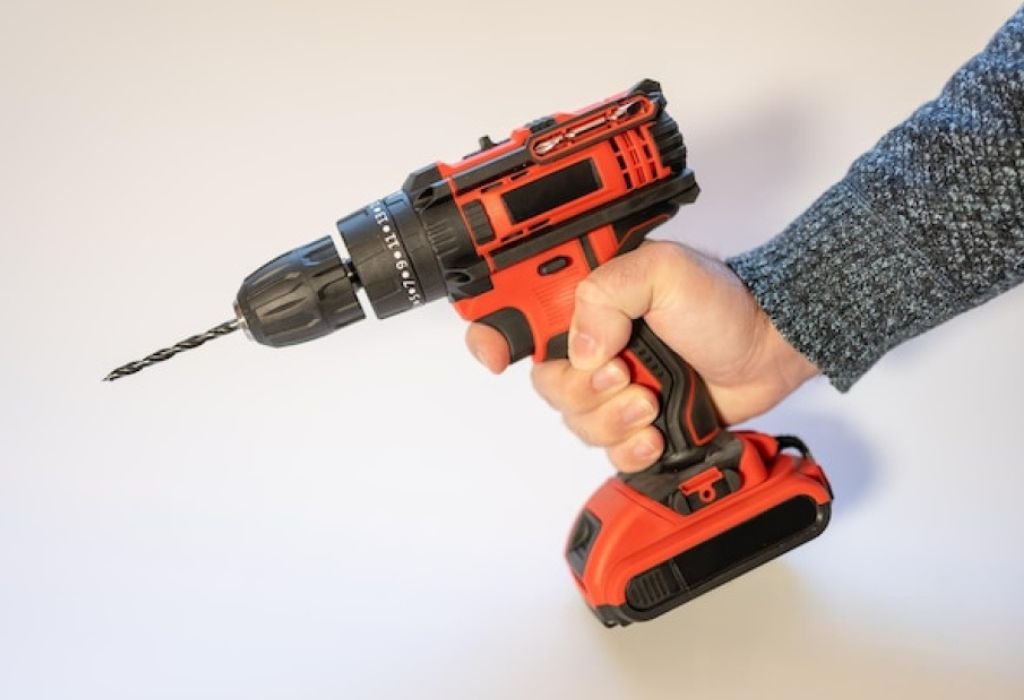
Using the wrong bit size is one of the biggest mistakes. It causes slipping and damages screws.
Another common error is ignoring torque settings. High torque on soft materials leads to overdriving and splitting.
Running on a low battery reduces torque and increases strain on the motor. Always recharge before heavy use.
Many users forget to apply steady pressure, leading to wobbling screws. Maintaining proper alignment ensures clean results.
Why does my screw wobble?
Because the screwdriver isn’t aligned properly.
Why is my screwdriver weak?
Battery charge may be low or the bit worn out.
Can torque settings really make a difference?
Yes, they protect both the tool and materials.
What happens if I use dull bits?
They slip and strip screw heads.
Is it okay to use full speed always?
No, use low speed for better control at start.
When to Upgrade or Replace a Cordless Screwdriver
Over time, even the best tools lose efficiency. Reduced torque, short battery life, or frequent bit slippage are signs it’s time to upgrade.
Modern models offer brushless motors, faster charging, and improved torque control. These features save time and extend tool life.
If replacement batteries are unavailable or too costly, a new tool may be more practical.
Upgrading ensures better ergonomics, safety, and consistent results for regular users.
When should I replace my tool?
When torque weakens and batteries no longer hold charge.
Are new models really better?
Yes, they are more efficient and reliable.
Can I replace just the battery?
Yes, if compatible with the existing model.
Do brushless motors last longer?
Yes, they generate less heat and wear.
How long does a cordless screwdriver last?
Usually 3–5 years with proper care.
Conclusion
Knowing how to use a cordless screwdriver properly improves speed, safety, and precision. It’s one of the simplest yet most powerful tools for modern DIY projects.
Correct torque, bit selection, and battery care ensure consistent performance every time. Following the steps in this guide guarantees cleaner finishes and longer tool life.
By using the right techniques, anyone can master this essential tool and complete projects with professional results. Keep your cordless screwdriver charged, maintained, and ready — it will handle nearly every task with ease.

I’m John F. Nicholas, the founder, lead writer, and drill enthusiast behind 101drill.com. With years of hands-on experience in power tools and DIY projects, I created this platform to share practical knowledge, expert tips, and real-world insights to help others master the art of drilling.