
You’re halfway through a DIY project when your Black & Decker cordless screwdriver dies. Frustration sets in, and your work comes to a sudden halt.
Many users face this problem because they don’t know the proper way to charge their cordless tools. Using the wrong method can shorten battery life or even damage the screwdriver permanently.
Did you know that lithium-ion batteries, commonly used in Black & Decker tools, can lose up to 20% of their capacity if charged incorrectly? This simple step—charging—can save you money and keep your projects on track.
In this guide, we’ll walk you through everything you need to know about charging your Black & Decker cordless screwdriver. From safety tips to understanding battery indicators, we’ll cover it all.
You’ll learn how to extend battery life, avoid common mistakes, and troubleshoot charging issues. By the end, you’ll never have to worry about an unexpected dead battery again.
Whether you’re a DIY beginner or a seasoned pro, following these steps ensures your tool works efficiently every time. Proper charging not only improves performance but also keeps your screwdriver in top condition for years.
Let’s dive in and make sure your Black & Decker cordless screwdriver is always ready when you need it.
Understanding Your Black & Decker Cordless Screwdriver
Battery Types: NiCd vs. Li-ion
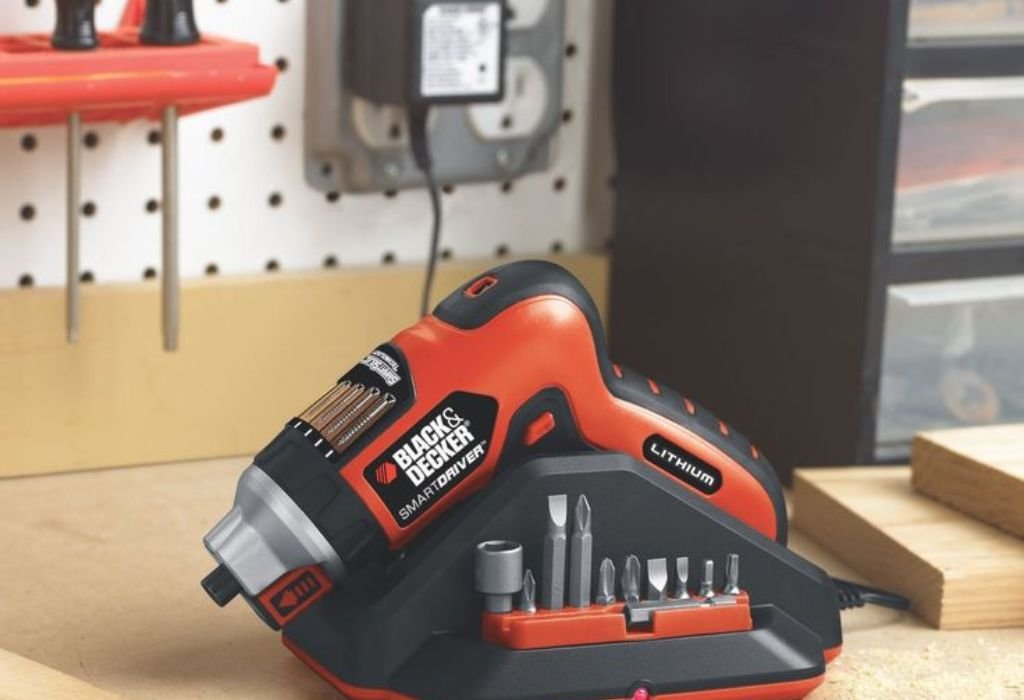
Black & Decker uses different battery types depending on the model. Older tools may have Nickel-Cadmium (NiCd) batteries, while newer models usually feature Lithium-Ion (Li-ion).
NiCd batteries are durable but suffer from memory effect if not fully discharged. Li-ion batteries are lighter, charge faster, and hold energy longer. Knowing your battery type is crucial for proper charging.
Charger Types and Compatibility
Always use the charger that came with your screwdriver. Third-party chargers may work but can risk overcharging or undercharging the battery.
Original chargers are designed to match the battery voltage and prevent overheating. Check the label to confirm compatibility before plugging in.
Signs Your Battery Needs Charging
Your screwdriver may show signs like dimming LED lights, slower motor speed, or complete inactivity. These are signals that the battery needs recharging.
Ignoring these signs can permanently reduce battery lifespan. Monitoring performance regularly helps keep your tool ready for use.
Step-by-Step Guide to Charging
Safety Precautions Before Charging
Always charge your screwdriver in a dry, well-ventilated area. Avoid exposing it to water or extreme temperatures.
Check the charger and cable for damage before connecting. Never force a connection, as this can cause sparks or short circuits.
How to Connect the Charger Correctly
Align the battery contacts with the charger pins properly. Secure the battery until it clicks or fits snugly.
Ensure the charger is plugged into a stable power outlet. Unstable voltage can harm both the battery and the tool.
Charging Time and Monitoring
Typical charging times range from 1 to 5 hours depending on battery type and capacity. Li-ion batteries usually charge faster than NiCd batteries.
Do not leave the battery unattended for extended periods. While Li-ion batteries have built-in protection, monitoring ensures safety and optimal performance.
LED Indicators and What They Mean
Most Black & Decker chargers have LED lights to indicate charging status. Red usually means charging, green means fully charged, and blinking may indicate a problem.
Understanding these indicators prevents overcharging and helps troubleshoot battery issues.
Tips to Extend Battery Life
Avoid Overcharging
Disconnect the battery once it reaches full charge. Continuous charging can degrade battery performance over time.
Even smart chargers should not be left plugged in for days. This simple habit extends battery longevity significantly.
Store Battery Properly
Store your battery in a cool, dry place when not in use. Avoid leaving it in hot garages or cold outdoor spaces.
Temperature extremes can damage internal cells and reduce overall lifespan.
Regular Usage and Maintenance
Use your screwdriver regularly to keep the battery healthy. For NiCd batteries, occasional full discharge prevents memory effect.
Clean battery contacts with a dry cloth to ensure a good connection with the charger and tool.
Common Mistakes to Avoid
Using the wrong charger or low-quality third-party chargers can overheat or damage the battery.
Charging in extreme temperatures—hot or cold—can permanently reduce battery life.
Ignoring LED signals or leaving batteries unmonitored during charging is a common mistake.
Frequent deep discharge for Li-ion batteries can also shorten their lifespan.
Troubleshooting Charging Issues
Battery Not Charging
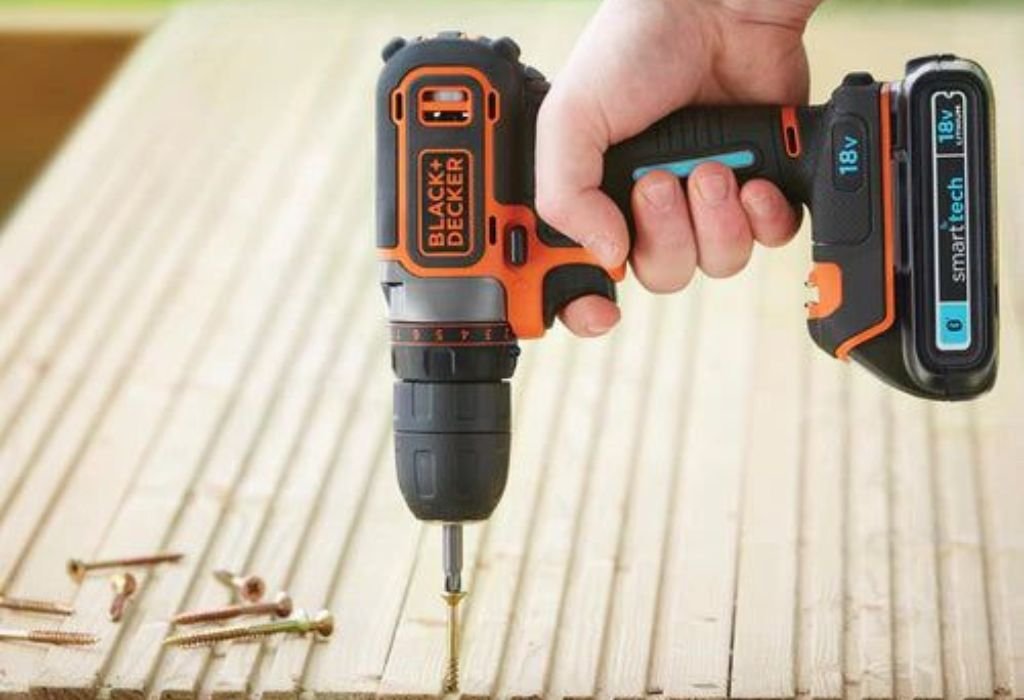
Check the battery and charger connections. Remove dirt or debris from the contacts and try again.
If it still doesn’t charge, the battery may have reached the end of its life cycle.
Charger Not Working
Test the charger with another compatible battery if possible. If it fails, replace the charger with an original Black & Decker model.
Never attempt DIY repairs on chargers, as this can be dangerous.
Battery Not Holding Charge
A battery that won’t hold charge may need replacement. For Li-ion batteries, repeated overcharging or overheating can cause permanent damage.
Always recycle old batteries properly according to local regulations.
Frequently Asked Questions
Can I charge overnight?
Yes, but it’s better to monitor charging and disconnect once full.
Can I use a different brand charger?
It’s not recommended. Only use original or compatible chargers to avoid damage.
How long does the battery last per charge?
Depends on usage, battery type, and age. Li-ion usually lasts 1–2 hours of continuous work.
Does frequent charging reduce battery life?
For Li-ion batteries, frequent top-ups are fine. For NiCd, occasional full discharge is better.
Conclusion
Charging your Black & Decker cordless screwdriver correctly ensures longer battery life and better performance.
Follow safety precautions, use the correct charger, and monitor LED indicators during charging.
Proper storage, regular usage, and avoiding common mistakes can make your screwdriver reliable for years.
With these tips, you’ll never have to pause your DIY projects due to a dead battery. Keep your tool charged, safe, and ready to work anytime.

I’m John F. Nicholas, the founder, lead writer, and drill enthusiast behind 101drill.com. With years of hands-on experience in power tools and DIY projects, I created this platform to share practical knowledge, expert tips, and real-world insights to help others master the art of drilling.