
It is frustrating when your cordless screwdriver dies mid-project, leaving you scrambling for a charger.
Imagine tightening cabinet hinges only to realize the battery is flat—every minute counts.
Learning how to charge a cordless screwdriver properly ensures your tool is always ready when needed.
Poor charging habits degrade battery life, nullifying the convenience of cordless power tools.
According to industry data, lithium-ion batteries lose up to 20 % of capacity after just one year of improper charging practices (source: external battery life study).
Some cordless tool manufacturers report optimal battery life when kept between 20 % and 80 % charge.
This article explains in clear, expert detail how to charge a cordless screwdriver the right way.
You will discover safe charging practices, common mistakes to avoid, battery care tips, and troubleshooting methods.
H2: What Is a Cordless Screwdriver & How Charging Works
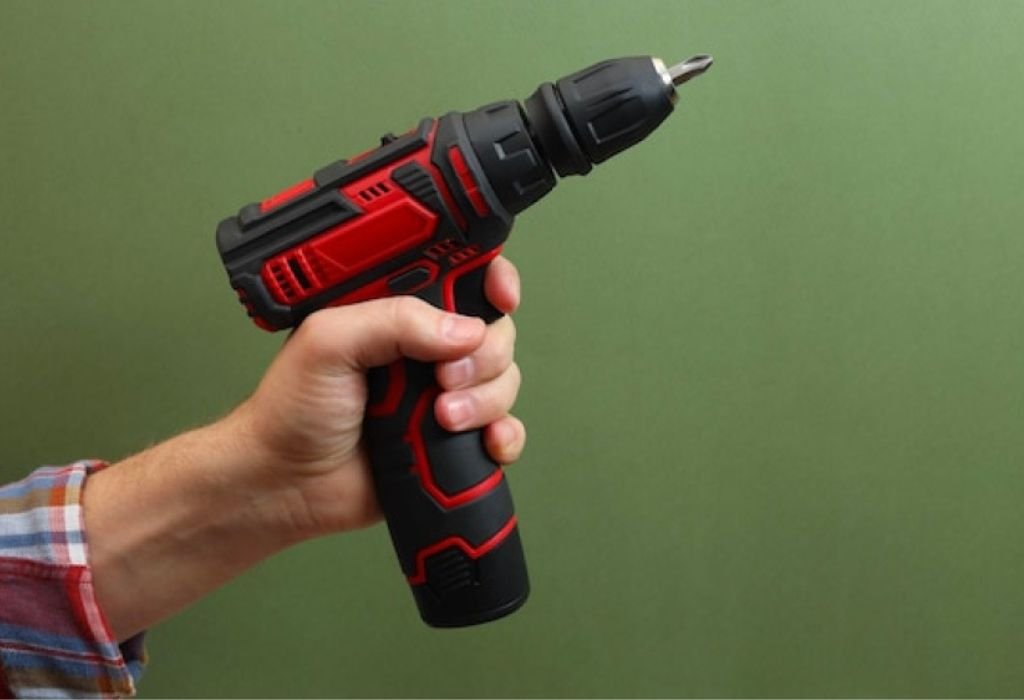
A cordless screwdriver is a compact power tool that uses a rechargeable battery instead of a cord to drive screws.
The built-in battery (often NiCd, NiMH, or lithium-ion) stores electrical energy that the motor uses to spin the bit.
Question: What types of batteries are used in cordless screwdrivers?
Answer: The most common types are NiCd, NiMH, and lithium-ion.
Question: How does the charging circuit detect full charge?
Answer: The charger monitors voltage, current tapering, and sometimes temperature to determine when the battery is full.
Question: Does the charger trickle charge after full?
Answer: Many smart chargers switch to maintenance or float mode rather than continuous trickle charging.
Question: Does removing load improve battery life?
Answer: Yes — charging without using the tool during charge helps maintain battery health.
Question: Is there a protection circuit inside the battery pack?
Answer: Many lithium-ion packs include a protection board to prevent overcharge, overdischarge, or short circuits.
H2: Step-by-Step Guide: How to Charge a Cordless Screwdriver
First, always read the manufacturer’s manual for your specific model before attempting to charge.
- Check the battery pack & charger compatibility
Make sure the voltage and connector match the tool.
Many cordless screwdrivers use 3.6 V, 4 V, or 12 V battery packs.
Ensuring compatibility prevents damage to battery or tool. - Insert the battery (or attach the pack) correctly
Slide or click the battery pack until it locks securely.
Improper insertion may prevent charging or damage contacts. - Plug the charger into a wall outlet first, then connect to the tool
This order helps the charger stabilize before load.
It reduces current surges and potential damage. - Watch the charge indicator (LED or light) until full
Most chargers show red when charging, green (or off) when fully charged.
Some chargers switch off or reduce current automatically. - Disconnect promptly when charging is complete
Leaving battery on charger too long can lead to overcharging in non-smart chargers.
Removing it promptly helps prolong battery life.
Question: How long does it take to charge a cordless screwdriver?
Answer: Typical charging time is 1–5 hours, depending on battery capacity and charger rating.
Question: What does a blinking LED during charging mean?
Answer: Blinking LEDs often indicate charging or fault (e.g. temperature issue or battery error).
Question: Can I charge through USB or USB-C?
Answer: Many modern screwdrivers support USB-C charging at 5 V, often needing a 1 A or 2 A charger.
Question: Can I charge while using the tool?
Answer: It is not recommended — charging under load can stress battery cells and reduce life.
Question: Should the charger stay cool or warm?
Answer: A properly functioning smart charger may feel slightly warm; overheating signals a problem.
H2: Common Mistakes & How They Harm Your Battery
Many users fall into habits that degrade battery life over time. These need to be avoided.
- Overcharging or leaving battery plugged in all night
Some older chargers lack cutoff and can overcharge cells, causing capacity loss or swelling. - Charging in too hot or too cold environments
Extreme temperatures stress battery chemistry and can reduce lifespan. - Using a mismatched charger (wrong voltage or current)
Overvoltage or undercurrent charging can damage pack or cause slow charging. - Partial contacts or dirty terminals
Poor contact increases resistance and heat, harming cells. - Deep discharging regularly before charging
Lowering battery to near zero repeatedly stresses battery cycles.
Question: Will leaving the battery on charger degrade life?
Answer: Yes, in chargers without cutoff, it can lead to overcharging and damage.
Question: Is it bad to charge immediately after use?
Answer: It is better to wait a few minutes if battery is very hot; allow cooling first.
Question: Can using non-original chargers harm the battery?
Answer: Yes — cheap or mismatched chargers may cause voltage fluctuations or improper current.
Question: Does charging at very low temperature matter?
Answer: Yes — in cold below ~0 °C, lithium cells may accept charge poorly or degrade.
Question: Can dirty contacts stop charging?
Answer: Yes — corrosion or dust on battery or charger terminals disrupts current flow.
H2: Best Practices & Tips for Battery Longevity
Following these guidelines helps your cordless screwdriver battery last longer and perform reliably.
- Partial charging strategy
Charging to about 80 % instead of full 100 % can prolong battery cycle life. - Store battery at partial charge
For long periods, store at ~40–60 % charge in cool conditions. hi-spec.com - Avoid extreme ambient temperatures during storage
Keep battery away from high heat (>40 °C) or freezing conditions. - Cycle occasionally (for NiCd / NiMH types)
If your battery is NiCd or NiMH, fully discharge and recharge every few months to reduce memory effect. - Clean contacts regularly
Use isopropyl alcohol or contact cleaner to maintain good electrical connection. - Use the tool and battery regularly
Occasional use keeps battery active; letting it sit unused too long can lead to self-discharge and degradation.
Question: Is topping off battery bad?
Answer: Occasional top-ups are okay; frequent full top-ups may stress battery cycles.
Question: Should storage battery be fully charged?
Answer: No — best stored mid-level (40–60 %) to reduce wear.
Question: How often should I cycle NiCd / NiMH packs?
Answer: Once every 3 to 6 months to avoid memory effect.
Question: Does using the screwdriving tool drain battery faster than charging slowly?
Answer: Using under load draws heavy current; charging slowly is gentler on cells.
Question: Do I need to calibrate battery charge occasionally?
Answer: In some tools, yes — occasionally run full drain and full recharge to recalibrate indicator.
H2: Troubleshooting Charging Issues
When your cordless screwdriver won’t charge, these diagnostic steps can help isolate the fault.
- Check charger output & cable condition
Use a multimeter to confirm proper voltage and current on charger leads. - Inspect battery terminals & contacts
Clean off dirt, corrosion, or debris that may block contact. - Test battery pack in another compatible charger (if possible)
Helps determine if battery or charger is faulty. - Check for internal circuitry problems
The protection board or cells may be damaged and need replacement. - Replace monitor/LED circuit or pack if no recovery
If battery is swollen, overheats, or fails to hold charge, replacement is safest.
Question: Why is charger LED not coming on?
Answer: It could be a faulty charger, broken cable, or power outlet issue.
Question: Why does battery not hold a charge?
Answer: Age, cell degradation, or internal damage may prevent proper retention.
Question: What if battery becomes hot during charging?
Answer: That signals a fault — stop charging and inspect battery or charger.
Question: Can reconditioning a battery help?
Answer: In NiCd / NiMH, occasional deep cycling may restore some capacity; less so in lithium packs.
Question: Is replacement battery pack safe?
Answer: Yes, if you choose the correct voltage, capacity, and quality brand that matches tool specs.
H2: Future Trends & Smart Charging Technologies
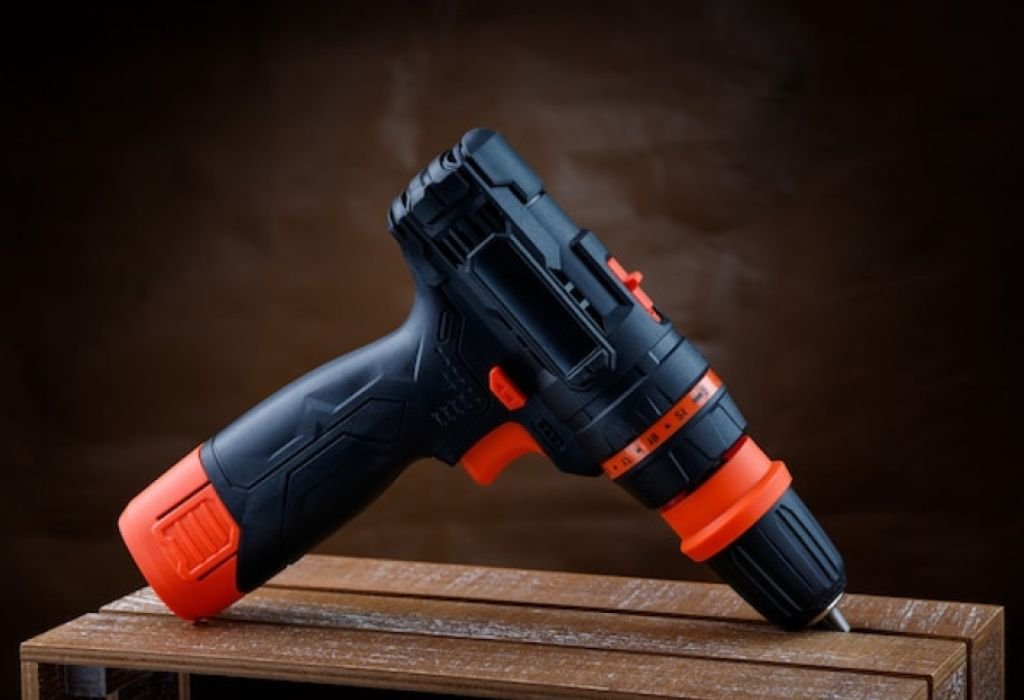
Battery and charger technology continues evolving, improving safety, convenience, and efficiency.
- Smart chargers with temperature & voltage sensing
New chargers can dynamically adjust current and cut off precisely to protect cells. - USB-C / PD (Power Delivery) charging for tools
Modern cordless screwdrivers support USB-C inputs and smart power negotiation. Manuals++2YouTube+2 - Battery management systems (BMS) with cell balancing
Advanced packs include internal BMS to monitor and equalize cell voltages. - Wireless / inductive charging
Some prototypes aim to eliminate physical connectors altogether. - Artificial intelligence in charge algorithms
Future chargers may learn usage patterns and optimize charge cycles automatically.
Question: Are USB-C tool chargers safe?
Answer: Yes, if the tool and charger support proper protocols (voltage and current negotiation).
Question: Will wireless charging appear soon?
Answer: Possibly — research is ongoing for small-tool inductive charging.
Question: Does BMS improve battery life?
Answer: Yes — it helps protect against overcharge, temperature extremes, and cell imbalance.
Question: Can a smart charger adapt current during charge?
Answer: Yes — many modern chargers ramp current down near full charge to reduce stress.
Question: Will AI charging scheduling be common?
Answer: It is a likely trend — adaptive charging based on user patterns may emerge.
Conclusion
Mastering how to charge a cordless screwdriver ensures your tool works reliably and your battery lasts longer.
Follow the steps: use the correct charger, insert properly, watch indicators, and disconnect promptly.
Avoid common mistakes like overcharging, extreme temperatures, and mismatched chargers.
Apply best practices such as storing mid-charge, cleaning contacts, and occasional battery cycling.
When issues arise, troubleshooting steps like verifying output, inspecting contacts, and testing alternate chargers help diagnose faults.
Look ahead — smart charging technologies like USB-C, BMS, and adaptive algorithms offer new convenience and protection.
Start applying these practices now and extend the life and performance of your cordless screwdriver.
Call to action: Before your next project, check your charger, battery condition, and charging habits — small improvements now save big headaches later.

I’m John F. Nicholas, the founder, lead writer, and drill enthusiast behind 101drill.com. With years of hands-on experience in power tools and DIY projects, I created this platform to share practical knowledge, expert tips, and real-world insights to help others master the art of drilling.